
Интеграция локального хоста
For developers, utilizing localhost is a critical aspect of their workflow, particularly when working on web applications or programs that rely on an internet connection. As part of the development process, developers conduct tests to verify the functionality of their applications on localhost. By establishing a loopback connection to the localhost, they can test the application on the computer and operating system they are presently using.
Вы можете использовать наш ConveyThis plugin on localhost too. In the plugin settings instead of URL or IP you may use “localhost” for testing plugin. Following the steps below!
1) Create a Host and an Account
Although we cannot add new domain as “localhost”, a virtual host will help you. Create a virtual host first and install ConveyThis.
To do that, first of all you need to create account at www.conveythis.com if you haven’t already.
Для начала панель управления вашей учетной записью ConveyThis позволяет просматривать и управлять всеми вашими переводами. Просто создайте учетную запись ConveyThis здесь.
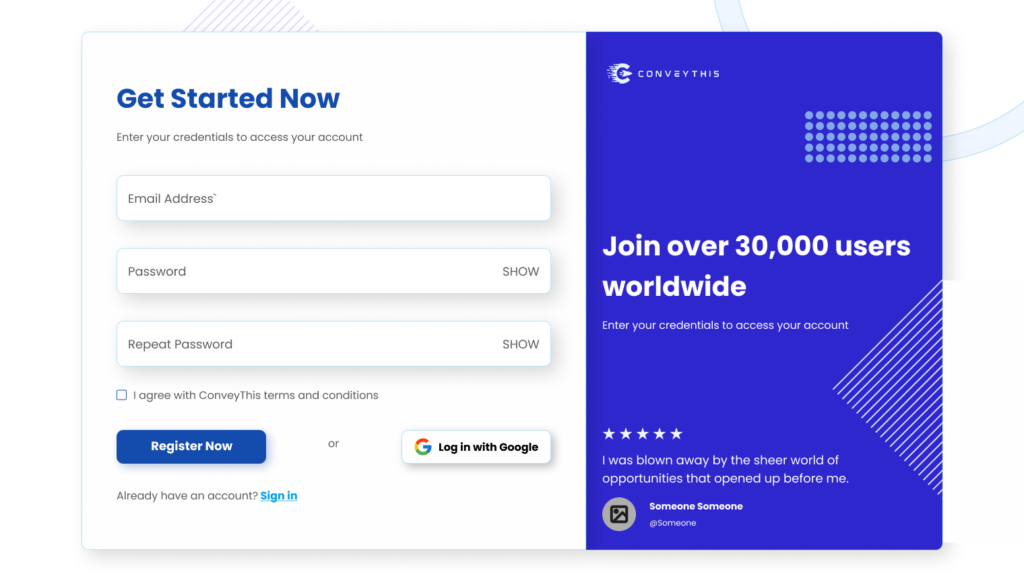
Open settings in your account on conveythis.com and find “localhost” in domains.
Нажмите “Настройки” to configurate your settings.

Scroll down and follow the instructions to add ConveyThis code in your localhost website.
Remember to add your own website pages to virtual host file.

To verify if ConveyThis has been implemented in your localhost, access the web developer tools by opening the application menu in your browser or by using the keyboard shortcut Ctrl + Shift + I.
Используя Inspector tool, you should be able to view the ConveyThis code.

2) You’re all done!
Вот и всё. Перейдите на свой сайт и увидите кнопку переключения языка в правом нижнем углу. Его появление может занять несколько минут, поэтому не волнуйтесь, если вам придется немного подождать.
Попробуйте изменить язык, когда появится переключатель языков–и, как по волшебству, ваш сайт станет многоязычным! Теперь вы можете перейти на панель управления ConveyThis, чтобы управлять всеми своими переводами.
Поздравляем, теперь вы можете приступить к переводу своего сайта!