Program leads
Localization program oversight
Spot lagging markets and glossary drift — no CSV exports.
“Which language is furthest behind?”

Everything your AI assistant can help with
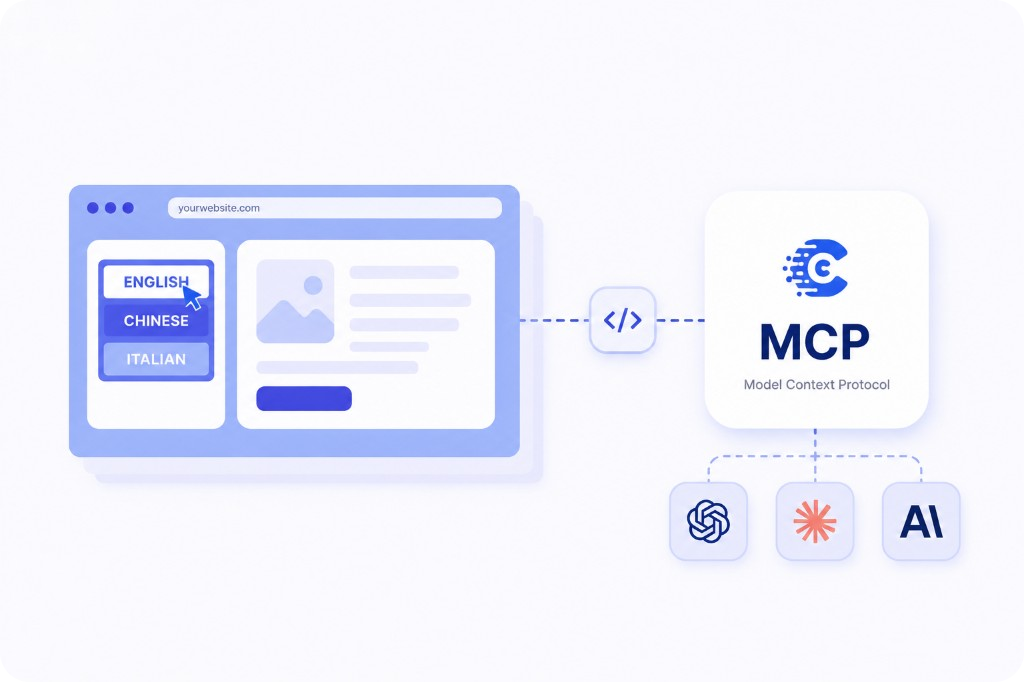
Model Context Protocol (MCP) is an open standard that lets your AI assistant pull live data from external tools — instead of you copying exports into a chat window.
ConveyThis implements MCP for translation workflows: projects, languages, strings, glossary terms, rules, and usage — all accessible from Cursor, Claude Code, and VS Code. See the setup guide or announcement.
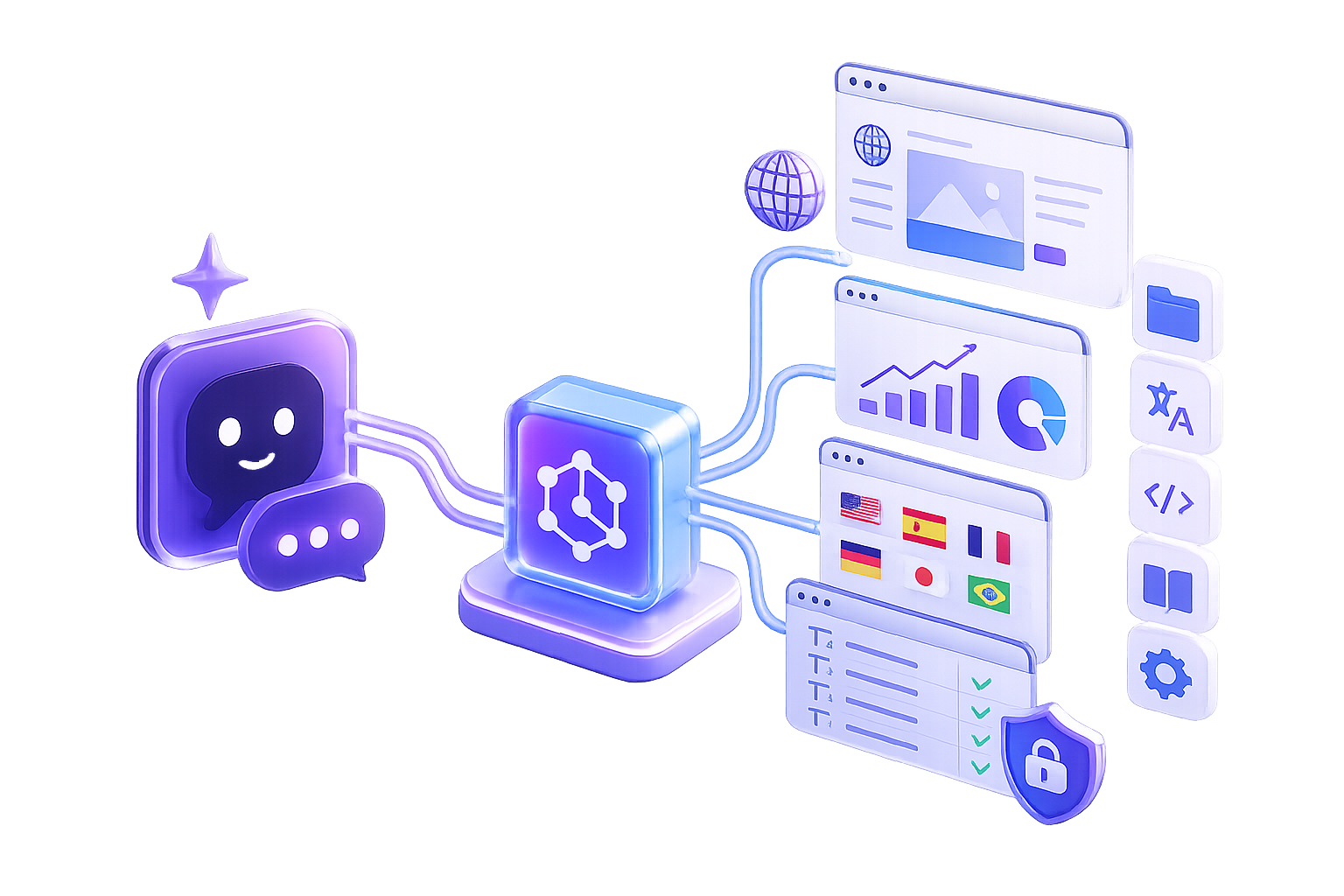
Running multilingual sites means constant questions — German progress, glossary updates, untranslated URLs before launch. You shouldn’t have to log in and export data every time.
ConveyThis MCP brings those answers into Cursor, Claude Code, and VS Code. Same production data, formatted for your AI assistant — no custom scripts. Included on your plan; pair with WordPress, Shopify, or our REST API when you need deploy-time automation.
Connect your AI assistant to https://mcp.conveythis.com/mcp with a bearer token — it returns live translation context so you can ask in plain language.
Open MCP / AI Agents in your dashboard. Copy the key — shown once.
Add ConveyThis to your client
Same endpoint and bearer token for Cursor, Claude Code, VS Code, and more. Per-client configs.
Ask your first question
“How far along is German?” “Which site is behind?” Live answers from your production translation data.
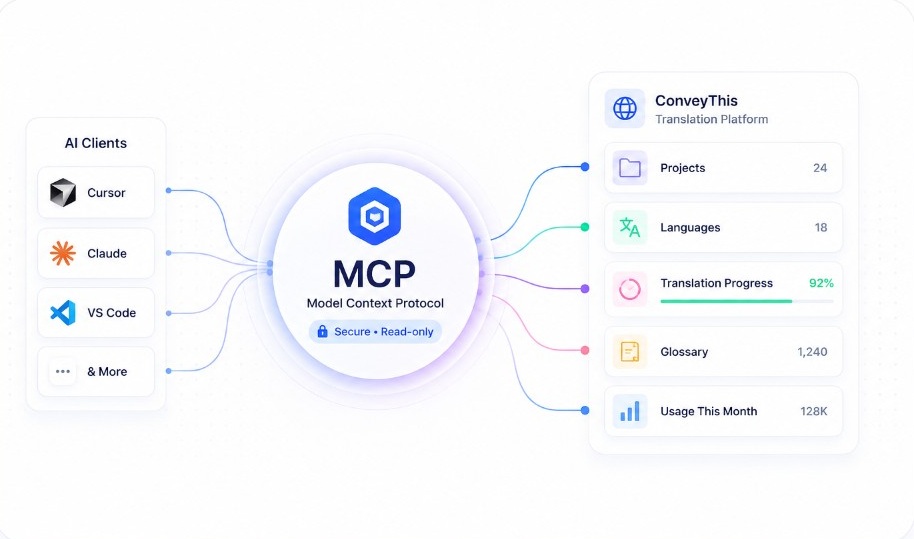
Ask in plain language from Cursor, Claude Code, or VS Code — your AI assistant returns live data from your account.
ConveyThis MCP
Live answers in your editor
How far along is my Spanish translation?
Spanish is at 87% — 24 pages still need review, mostly product variants.
Which translations are outdated?
14 French pages changed after the last update — mostly product descriptions from this week.
Find every page where we translated 'checkout'.
12 URLs across /cart, /checkout, and 3 collection templates.
What's our approved German term for 'dashboard'?
Glossary rule: “Dashboard” → “Übersicht” (locked term, used on 8 pages).
Which pages have missing translations?
Spanish is missing /pricing, /about, and 3 collection pages added after your last Shopify sync.
How many words have I used this month?
128,400 words — 72% of your plan allowance.
Illustrative responses — your account returns live production data.
Query-only keys let your AI assistant read projects, strings, glossary terms, and usage — but never publish pages, edit live copy, or change billing. Keys use HTTPS and can be revoked instantly.
Issue one key per teammate, rotate when someone leaves, and keep write operations in the ConveyThis app or REST API. Questions? Help Center.
Works with any MCP client that supports Streamable HTTP and bearer tokens.
Same data, two interfaces: MCP for conversational checks in your IDE; REST API for scripted automation at deploy time.
| Aspect | REST API | MCP Server AI tools |
|---|---|---|
| How you interact | Write HTTP requests, parse JSON, build scripts | Ask in plain language — your AI assistant handles the rest |
| Context for LLMs | Fetch and paste data into the chat yourself | Live translation context pulled automatically |
| Security model | Depends on key scopes you configure | Query-only keys — no publish or billing access |
| Developer experience | Best for CI pipelines and production automation | Best for ad-hoc checks and localization Q&A in the IDE |
| Learning curve | Requires API docs and code | Copy-paste setup in Cursor, Claude Code, or VS Code |
MCP complements visual editing and multilingual SEO — it doesn’t replace them.
Who it’s for
Same MCP setup — different teams, different questions.
Spot lagging markets and glossary drift — no CSV exports.
“Which language is furthest behind?”
Catch untranslated routes before release and verify glossary coverage from the IDE.
“Any missing translations on /pricing?”
Compare WordPress, Shopify, and custom sites from one ConveyThis account.
“Which client site is least translated?”
Stay secure
One key per person
Issue separate keys per teammate or environment. Revoke instantly when someone leaves.
Start narrow
Progress and glossary questions return faster than broad “scan everything” prompts.
Right tool for the job
REST API for deploy pipelines. MCP for ad-hoc localization checks in your editor.
Feed the glossary
Locked brand terms in your ConveyThis glossary flow straight into AI answers.
Why ConveyThis
ConveyThis powers multilingual sites on WordPress, Shopify, and enterprise properties worldwide — purpose-built for translation data, not a generic chatbot plugin.
MCP gives your AI assistant a safe window into glossary rules, project status, and production strings — on the same infrastructure behind millions of translated page views.
200+
languages supported
Query-only
keys by default
Production
translation infrastructure
A backend service that speaks the Model Context Protocol — a standard way for AI assistants to discover tools and read structured data. The ConveyThis MCP Server exposes your projects, glossary, progress, and usage so Claude Code, Cursor, VS Code, and other clients can answer questions in plain language.
Model Context Protocol (MCP) is an open standard for connecting AI assistants to external data. Instead of copying exports into a chat window, your assistant calls the ConveyThis server over HTTP and gets live translation context.
A query-only MCP server built for translation management. Your AI assistant can read projects, progress, strings, glossary terms, rules, and usage — using a personal API key you create under MCP / AI Agents.
Claude Code registers the ConveyThis endpoint in its MCP configuration. When you ask about progress or glossary terms, Claude calls the server and composes an answer from live data. See our connect guide for copy-paste config.
Yes. Cursor supports Streamable HTTP MCP with bearer-token auth. Add the ConveyThis server to your settings, paste your key, and ask about translations directly in the IDE.
Yes. VS Code extensions that implement MCP — including Cline — connect to https://mcp.conveythis.com/mcp with your bearer token. One endpoint works across Cursor, Claude Code, VS Code, and the MCP Inspector.
Any client that supports remote MCP connectors can use the same ConveyThis endpoint and bearer token. One-click OAuth for ChatGPT is on our roadmap.
Yes. Agents can read translation data but cannot publish, edit, delete, or change billing. Revoke a key instantly under MCP / AI Agents when you rotate credentials.
Keys are query-only, transmitted over HTTPS, and revocable at any time. Issue separate keys per developer for easier auditing.
A REST API requires endpoints, parameters, and scripts. MCP lets your AI assistant turn plain-language questions into the right calls — ideal for ad-hoc localization checks without writing code.
Open MCP / AI Agents in ConveyThis, create a key (shown once), and paste it into your client as a bearer token. See the connect guide for per-client steps.
Any client with Streamable HTTP MCP and bearer tokens — including Claude Code, Cursor, VS Code, MCP Inspector, Cline, and Windsurf. Same endpoint and key across tools.
No. Paste a config block, ask a question in English, and get an answer. Developers get tighter IDE integration; localization managers get plain-language progress and glossary lookups.
No. MCP access is included with your ConveyThis plan at no extra cost.
https://mcp.conveythis.com/mcp — connect over Streamable HTTP with your key as an Authorization: Bearer header.